Automation
What to automate first in a small business.
By Felix Grant5 min read
Automate the tasks that are repetitive, follow clear rules and happen often: copying enquiries into the CRM, chasing overdue invoices, building the same weekly report, sending routine updates. They are the easiest to automate reliably and they save the most time. Leave anything that needs judgement, happens rarely or changes every time until later, and make sure every automation you build has someone to look after it.
Criteria
Repetitive, rule based and high volume
Three questions sort a list of tasks quickly. Does the same thing happen in the same way each time? Could you write the steps down as rules, such as if this field says X, do Y? And does it happen often enough that the time adds up, at least several times a week?
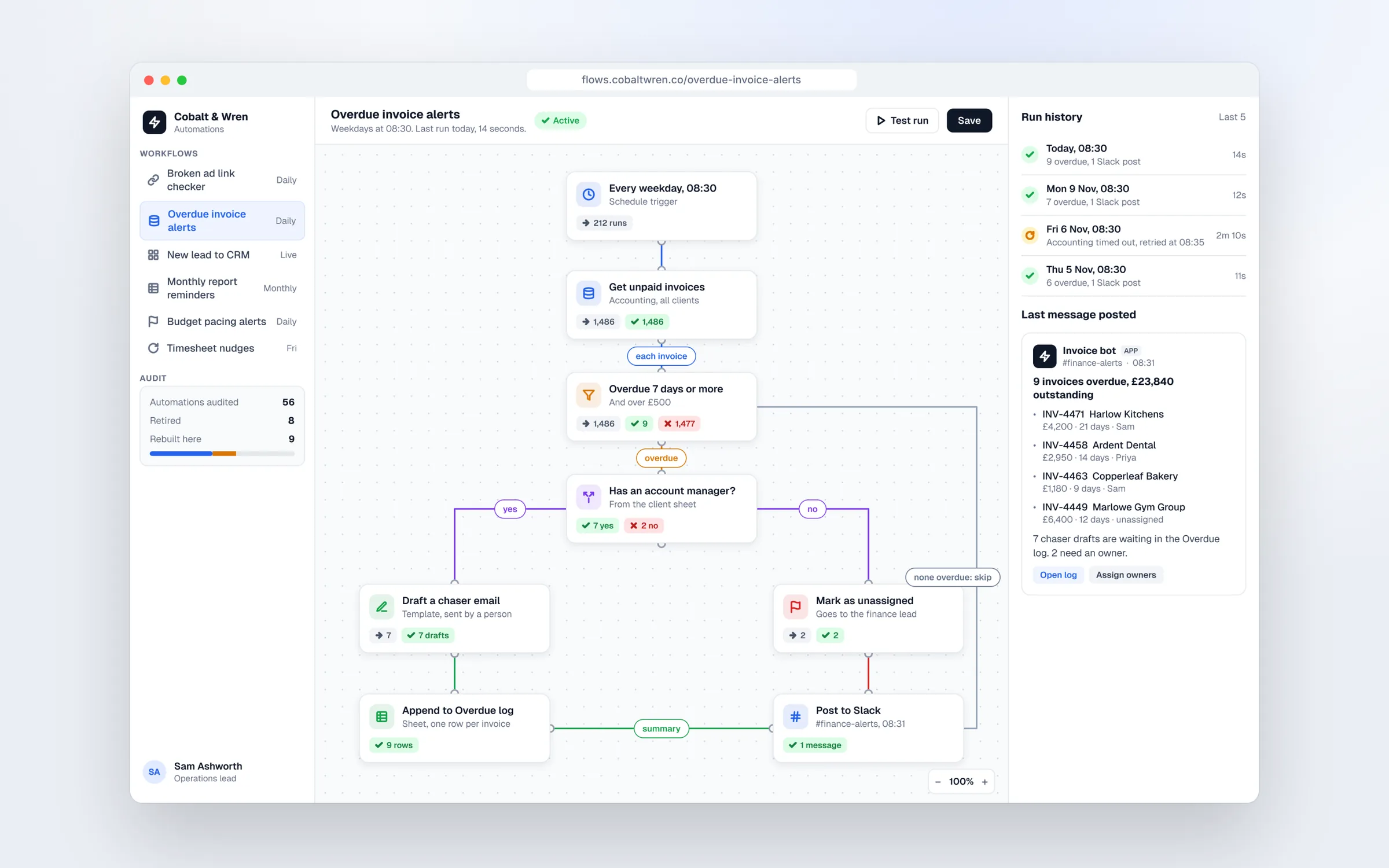
A task that passes all three is a strong candidate. A new website enquiry that someone copies into the CRM, assigns to a salesperson and acknowledges by email is a classic example. So is a supplier invoice that gets saved, named, logged in a spreadsheet and forwarded to accounts, or a Monday report built from the same three exports every week.
A task that fails one of them is usually a poor first choice. If it needs a person's judgement each time, automation can prepare the work but not finish it. If it happens twice a year, the setup will never pay back. If the steps change every time, you will spend more time fixing the automation than you saved.
Volume also decides whether small errors matter. An automation that gets one in fifty records slightly wrong may be fine for internal notes and unacceptable for invoices. Write down what a correct result looks like before you build, so you can test against it.
Spot them
Where to find them
The best source is the people doing the work. Ask each person for the job they dread every week, and the one they could do in their sleep. Those are usually the same job.
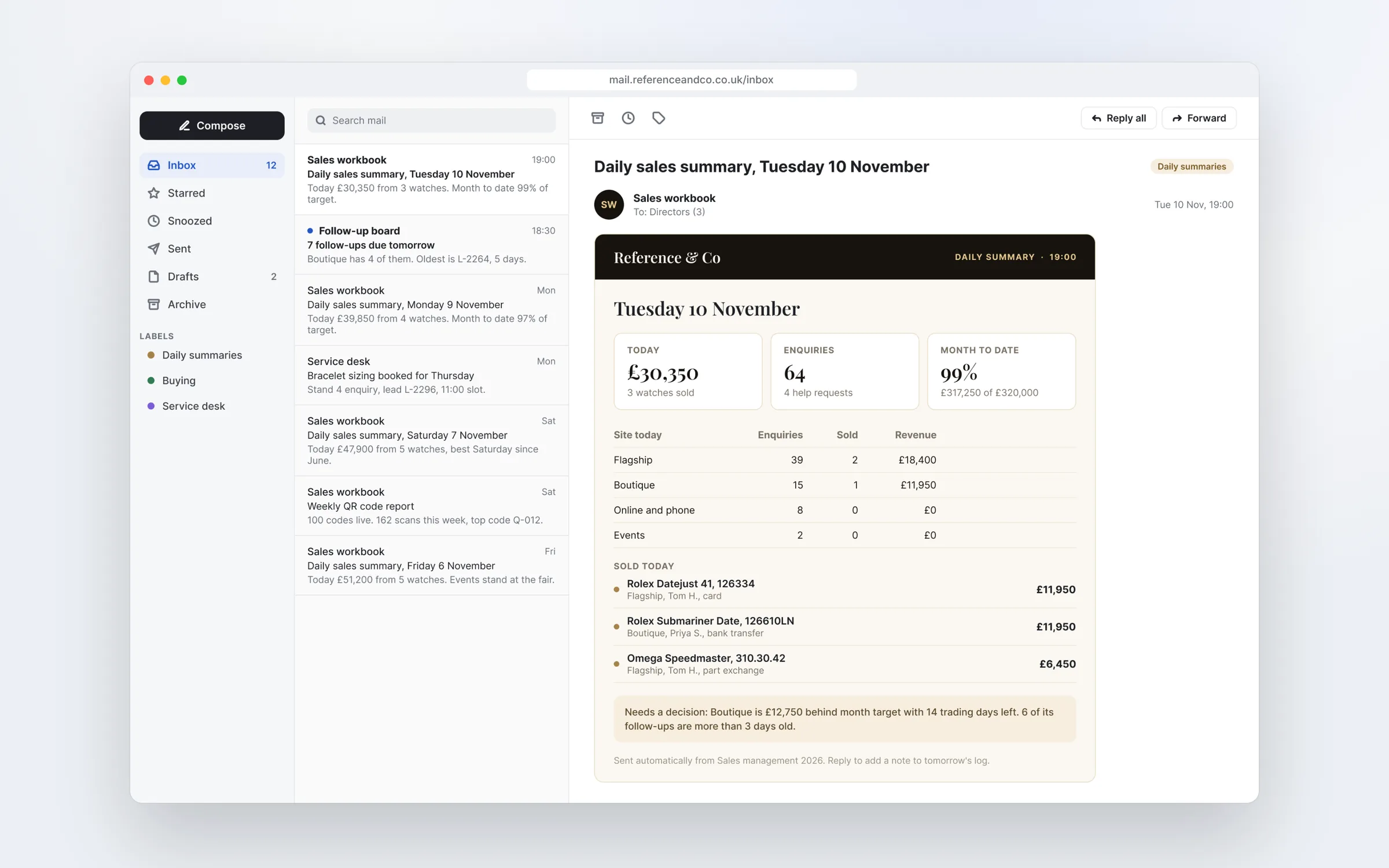
Then look for the signs. Data typed from one system into another. Spreadsheets someone updates by hand from emails. Reminders kept in someone's head or calendar. Reports that take half a day to build and five minutes to read. Copy and paste between tabs is the clearest signal of all.
A simple way to collect all this is a shared list with four columns: the task, how often it happens, roughly how long it takes and who does it. Give the team a week to fill it in as the work happens, rather than from memory in a meeting. You will usually find a few jobs nobody in management knew existed.
Don't forget the automations you already have. Many businesses have workflows built over the years by different people, with no list of what each one does. On one agency audit, we reviewed 56 automations by their run history: 8 were no longer used and were retired, and 9 were rebuilt. Tidying what exists is often the best first project.
Hours saved
How to estimate the hours saved
Use your own numbers. For each task, count how many times it happens a month and time it a few times, not from memory. Multiply them to get hours spent a month.
Then be honest about what automation removes. Most automations don't remove the whole task. Someone still checks the output, handles the exceptions and deals with the occasional failure. If a task takes 10 minutes and happens 120 times a month, that is 20 hours. If automation removes the copying but someone spends 2 minutes checking each one, the saving is 16 hours, not 20.
Set that against the cost: the build, the platform's monthly fee, and the time spent maintaining it. A workflow that saves 16 hours a month pays back quickly. One that saves 2 hours a month may never cover its own upkeep. Rank your list by net hours saved, then move anything that touches money, customers or personal data down a place or two until you have built confidence on lower risk work.
Automate the job people could do in their sleep.
Consultant
When an automation consultant helps
Plenty of first automations can be built in house. If the job connects two common tools, the steps are simple and someone on the team is comfortable with logic, a platform like Zapier lets them build and edit it themselves. That is often the right answer.
A consultant earns their fee when the job is bigger than that. When it connects three or more systems, handles money or personal data, needs proper error handling, or runs at a volume where per task pricing gets expensive and the choice between Zapier, Make and n8n starts to matter. Also when you have a pile of existing automations nobody understands, or when nobody in the team has time to map the process properly.
A good consultant should map the process with the people who do it, pick the platform your team can maintain, test against real past data, and run the new workflow alongside the manual process until the output matches. If they can't tell you how you will know when it breaks, keep looking.
Ask what happens after launch, too. Who fixes it when it breaks, how quickly, and at what cost? A fixed price build with no support plan is cheap until the first failure.
Maintenance
Plan for maintenance from day one
Automations break quietly. A supplier renames a field, a password expires, a form gains a question, a connected app changes how it works. The danger is not the failure; it is the weeks before anyone notices, usually when a customer complains.
Every automation that matters should alert a named person when a run fails, with the step and the data that caused it. Keep a simple list of every workflow, what triggers it, what it connects to, who owns it and how to switch it off. Review the list a couple of times a year and retire anything that no longer earns its keep.
Budget for it. Platform fees usually rise as volumes grow, and someone's time goes into fixing failures and making small changes. Put a rough monthly figure on both when you work out the hours saved, so the saving you report is the real one.
If you would like help, we map processes, build in Zapier, Make or n8n, audit the automations you already have and monitor them so nothing breaks quietly. Many clients start with one workflow and add the next once the first has proved itself.
Key takeaways
- Automate repetitive, rule based, high volume tasks first
- Ask staff for the job they dread and could do in their sleep
- Estimate hours saved from timed tasks, minus checking time
- Bring in a consultant for several systems, money, personal data or volume
- Give every automation an owner, a failure alert and an off switch

Written by
Felix Grant
Founder of Kitebox, a business technology and AI consultancy that builds what it recommends. Based in Mallorca, working with UK businesses.
About Felix →