AI
AI training for staff: what actually changes how a team works.
By Felix Grant5 min read
AI training changes how a team works when it is built around the team's own tasks, done hands on in the tools they already pay for, and followed up a few weeks later. People need to leave with real work finished, a shared library of prompts that work, and clear rules on what they can put in. A generic course or a demo of what AI can do rarely changes anything on Monday morning.
Problem
Why most AI training doesn't stick
The pattern is familiar. The business buys AI licences, sends round a link to a course, and three months later two people use AI every day while everyone else tried it once and gave up. Nobody is quite sure what they are allowed to paste in, so the cautious avoid it and the confident take risks.
The course itself was probably fine. The problem is that it taught someone else's examples. Drafting a blog post about a fictional coffee shop doesn't show a lettings coordinator how to handle a tenancy query, or a finance assistant how to check a supplier statement. People can't see the link between the demo and their own week, so they go back to doing it the old way.
The other reason is confidence. Most people's first attempt with an AI assistant produces something generic, and they conclude it isn't for them. What they needed was someone beside them showing how to give it context, ask it to try again and check what comes back.
There is also a leadership gap. If managers don't use AI themselves, or are vague about whether it is encouraged, staff read that as a signal to stay away. Training that starts with the people who set priorities, even for an hour, makes the rest of the team far more likely to follow.
Format
Workshop or online course
Online courses are good at concepts: what these tools are, where they go wrong, why output needs checking. They are cheap, they scale and people can do them in their own time. They are poor at changing habits, because nobody watches you try, and nobody helps when it doesn't work.
A workshop is the opposite. It costs more per head and needs everyone in the same room or on the same call, but people practise on real work with help to hand, see what colleagues are doing and agree a shared way of working before they leave. For a team of up to about 12, a half day is usually enough to cover the basics properly. Larger teams work better split into smaller groups, ideally by role, so the examples fit.
Whichever format you choose, keep the groups small enough that everyone gets hands on time. A room of 30 watching one person share their screen is a demo, not training. If people can't try it on their own laptop with help nearby, most of them won't try it later either.
Our view is that a short online module is a reasonable primer, and the workshop is where the change happens. If you can only afford one, choose the workshop.
The licences are paid. The habits are not.
Own tasks
Use their own tasks, not examples
Before any session, collect three or four real tasks from each person: the reply they write ten times a week, the report they rebuild every month, the meeting notes nobody has time to write up, the spreadsheet they check by hand. Anonymise anything sensitive. These become the exercises.
Then structure the session around them. Start with the basics everyone needs, such as writing, summarising, research and turning notes into actions, done properly with context and a clear request. Move on to role specific work: operations on processes and checklists, sales and marketing on drafts in the brand's voice, finance on formulas and reconciliation with checks so the numbers can be trusted.
Use the AI tools the team already has rather than introducing new ones for the day. Many businesses already pay for capable assistants inside their email, documents and CRM. Training on those means people can repeat what they learned the next morning without asking for another licence.
The test of a good session is simple: by the end, each person has done at least one real piece of their own work faster than they would have done it alone, and checked it.
Library
A prompt library and a policy
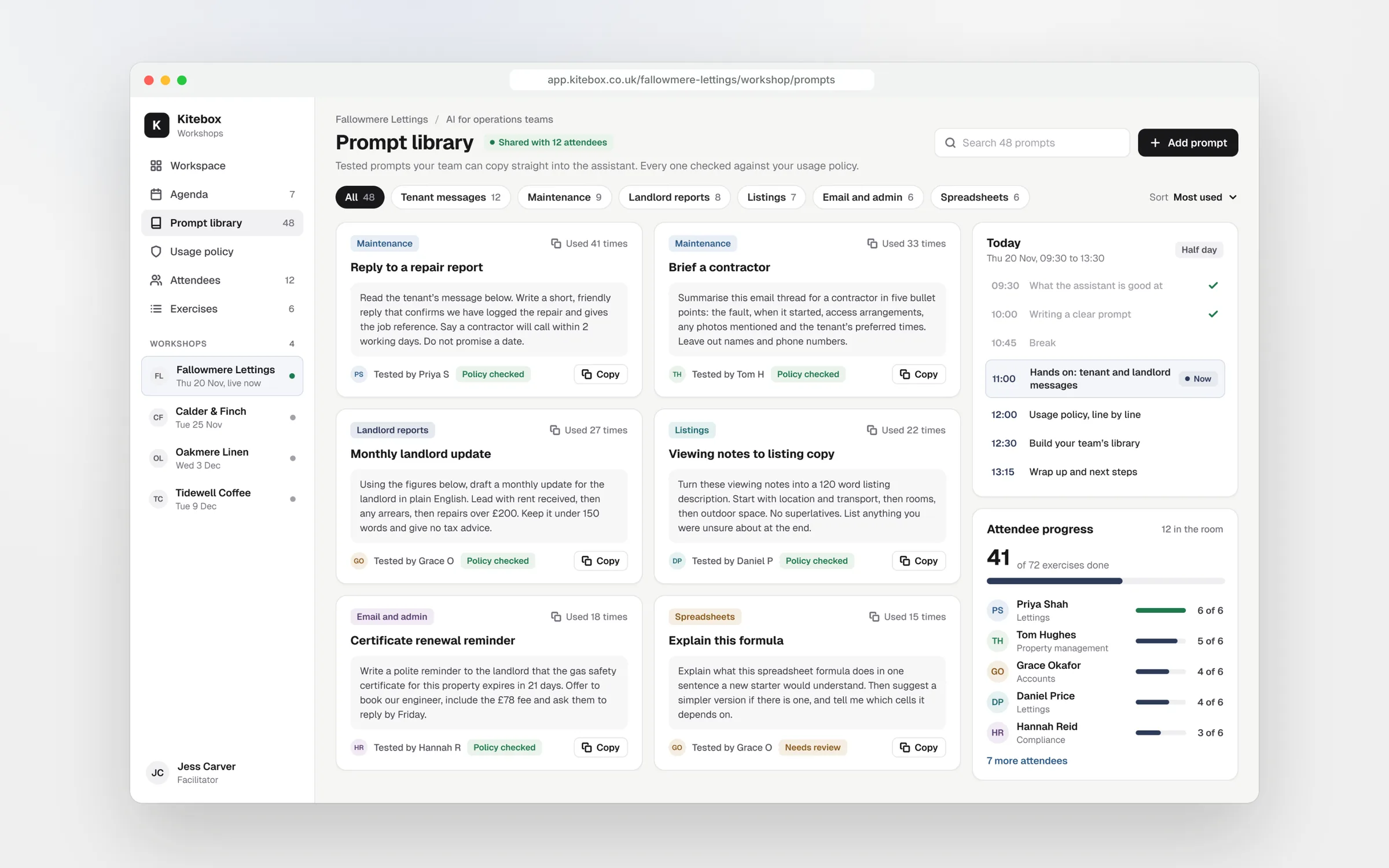
Good prompts tend to live in one person's head. A shared prompt library fixes that. It is a simple document or folder of prompts that worked during training, grouped by task, each with a note on when to use it and what to check in the output. It doesn't need special software. What matters is that it has an owner, people add to it, and weak prompts get replaced.
Write each entry in the same shape: the task, the prompt with placeholders for the details that change, an example of a good result, and what to check before using it. That last line matters most. It turns a clever prompt into a safe habit, and it means a new starter can use the library on day one without having been in the room.
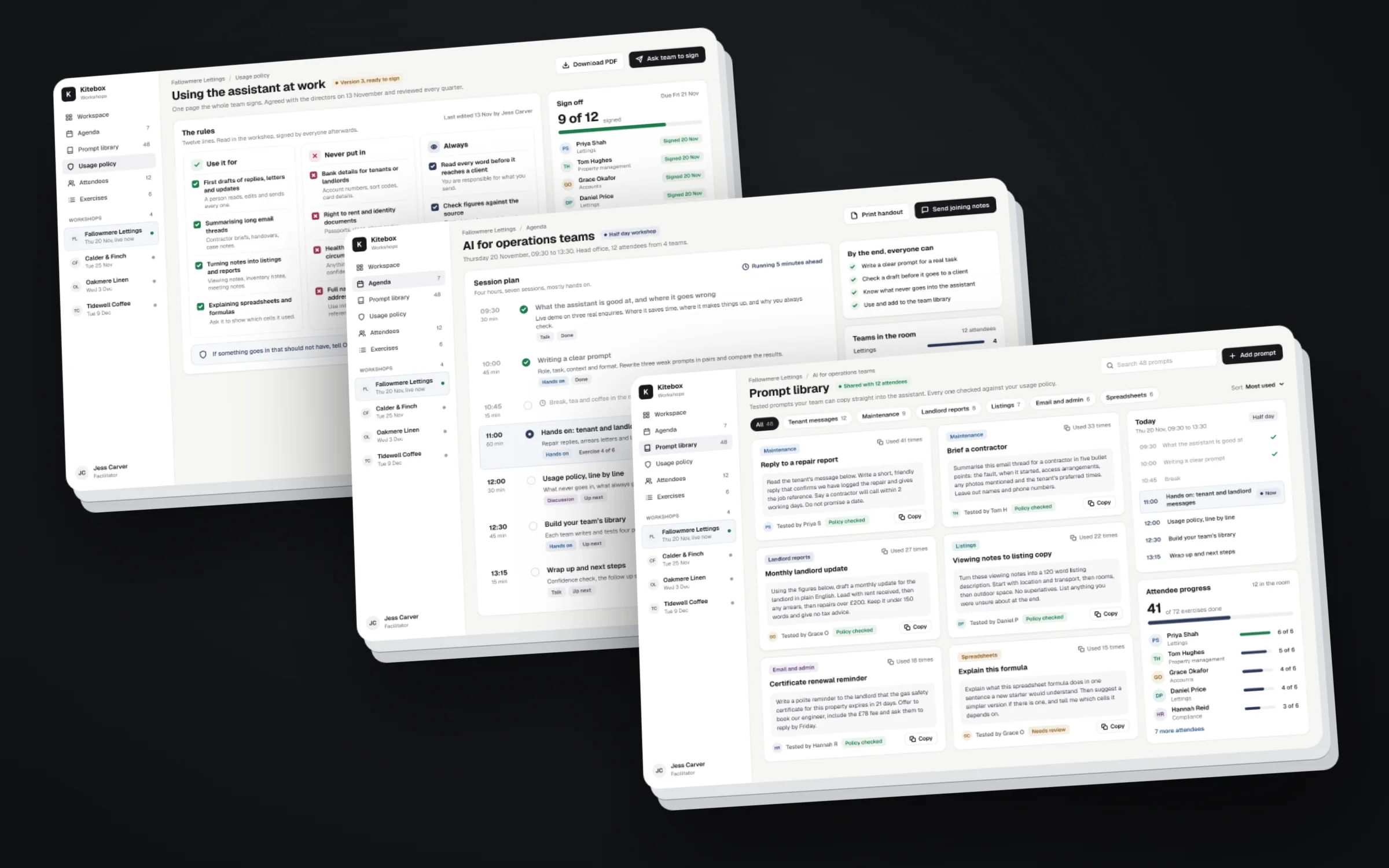
Training should also settle the rules. Every session should cover what can and cannot go into AI tools, which accounts to use, and who checks output before it reaches a customer. If the business doesn't have a usage policy yet, write a short one with the team during the training. People follow rules they helped shape, and they understand them better when they have just seen the risks on their own work.
Follow-up
Follow up, then measure
Habits fade in about the time it takes for the next busy week to arrive. A short clinic three or four weeks after the workshop catches that. People bring what worked, what didn't and the questions they were too busy to ask. The prompt library gets its first round of improvements, and the people who stalled get restarted.
Measure something simple. Before training, ask each person to estimate how long their chosen tasks take. A month later, ask again and ask how often they now use AI for them. You won't get precise figures, but you will see whether the work changed, and which teams need more help.
We run half day AI workshops for teams of up to 12, remote or in person, built on the team's own tasks and ending with a shared prompt library and a usage policy. A follow-up clinic a few weeks later keeps the habits going.
Key takeaways
- Train on the team's own tasks, not someone else's examples
- Use a workshop to change habits and an online module as a primer
- Train in the AI tools the team already pays for
- Leave with a shared prompt library and a short usage policy
- Run a follow-up clinic a few weeks later and measure the change

Written by
Felix Grant
Founder of Kitebox, a business technology and AI consultancy that builds what it recommends. Based in Mallorca, working with UK businesses.
About Felix →